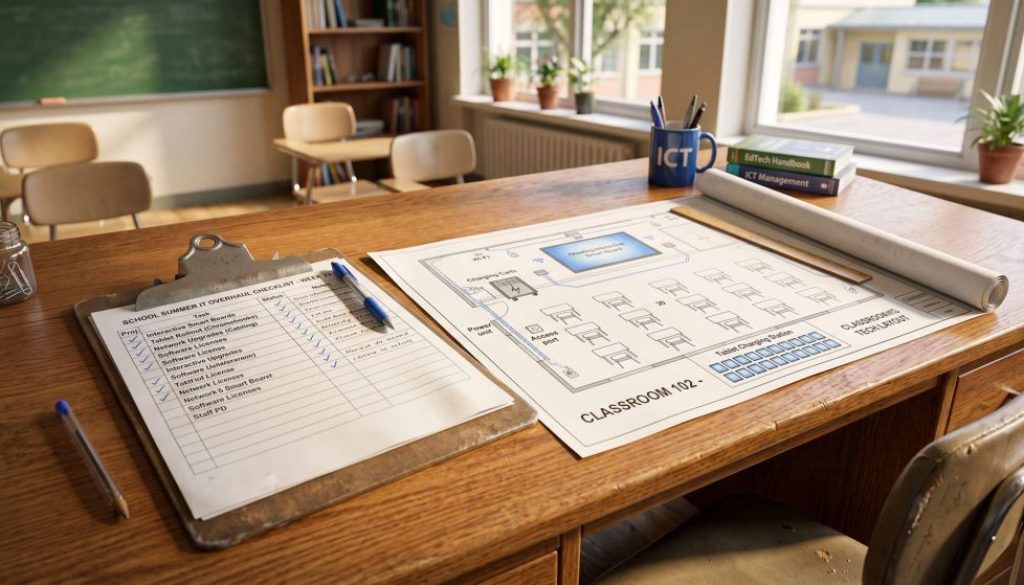
Preparing for the Big Six Weeks: Planning Your School’s Summer IT Overhaul
For students and teachers, the final bell of the summer term signals the start of a well-earned, six-week break. But for Headteachers, School Business Managers, and IT leads, those empty corridors represent a golden window of opportunity.
When the classrooms are empty, the real work begins. The summer break is the only time of year when major infrastructure changes, cabling, and hardware deployments can take place without disrupting teaching and learning. However, successfully executing summer IT upgrades requires meticulous planning long before the students actually leave the premises.
If you leave your planning until July, you run the risk of stock shortages, delayed installations, and a stressful rush come September. To ensure your return to school is seamless, here is your essential pre-summer checklist.
Step 1: Conduct a Comprehensive School IT Audit
Before you can decide what new technology you need, you must understand exactly what you already have—and what is failing. A professional school IT audit should be your first port of call.
- Check the hardware: Are your servers nearing the end of their lifecycle? Which teacher laptops are constantly raising helpdesk tickets?
- Check the network: Will your current Wi-Fi infrastructure support an influx of new devices next term, or do you need to map out dead zones and install new access points?
- Check your licenses: Are your Microsoft 365 or Google Workspace for Education licenses up to date and optimised for your current headcount?
Step 2: Prepare for Interactive Whiteboard Installation
Replacing outdated, dim projectors with modern interactive flat panels is one of the most impactful upgrades a school can make. However, an interactive whiteboard installation is not a simple “plug and play” job.
- Wall Integrity: Have your site staff checked if the classroom walls can bear the weight of heavy modern screens, or will reinforcement be required?
- Power and Data: Are there sufficient power sockets and Ethernet ports behind where the new screens will be mounted to prevent trailing cables?
- Disposal: Have you arranged for the secure, WEEE-compliant disposal of the old whiteboards and projectors?
Step 3: Streamline Education Technology Rollouts
Whether you are providing a tablet for every pupil or refreshing the laptops in your ICT suites, bulk device deployments take significant time.
- Pre-Provisioning: Don’t wait until inset day to open the boxes. Ensure your IT partner uses zero-touch deployment (like Windows Autopilot or Google Admin Console) so devices are automatically configured with the right apps and security settings the moment they connect to the internet.
- Storage and Charging: If you are rolling out sets of tablets or Chromebooks, have you ordered the necessary secure charging trolleys?
- Asset Tagging: Ensure every single new device is asset-tagged and recorded in your central database before it goes into a classroom.
Step 4: Secure Your Data Over the Break
While the school is closed, cyber threats do not take a holiday. Education remains one of the most heavily targeted sectors for ransomware.
Ensure all vital MIS data and staff files are securely backed up to an off-site cloud server before the gates close.
Schedule automated patching and updates to run over the summer so machines are fully protected against new vulnerabilities when switched back on in September.
Partnering for Successful School IT Projects
Managing complex school IT projects alongside the day-to-day running of a busy educational environment is a monumental task.
By partnering with a dedicated ICT support provider, you can hand over the logistical headaches. We can conduct your audits, source your hardware at educational pricing, and manage the entire installation process during the six-week break.
If you want to ensure your school’s tech is ready for the September stampede, get in touch with our education IT specialists today to start planning your summer overhaul.