Demystifying Microsoft Copilot: What AI in Office 365 Actually Means for Your SME
Artificial Intelligence is everywhere, but for most businesses, the question remains: “How does this actually help me get work done?” Enter Microsoft Copilot.
Unlike standalone AI tools like ChatGPT, Copilot is embedded directly into the Microsoft 365 apps you use every day—Word, Excel, PowerPoint, Outlook, and Teams. It has access to your business data, meaning it doesn’t just “know things”; it knows your things.
Practical Use Cases for SMEs
Here is what Copilot looks like in a real working day:
- The Meeting You Missed: Copilot in Teams can provide a recap of a meeting you didn’t attend, listing the key decisions made and assigning tasks based on the transcript.
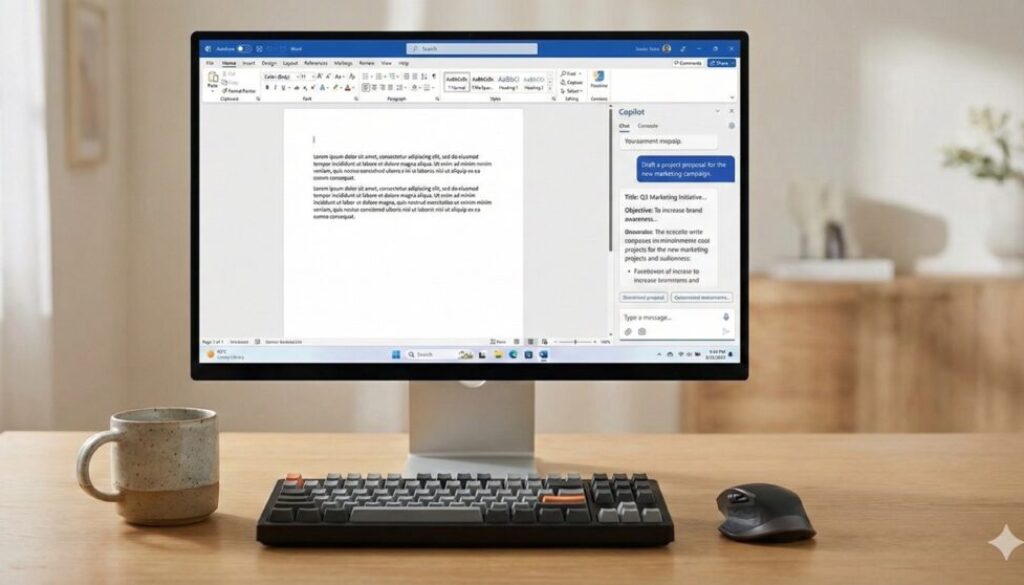
- The “Blank Page” Problem: In Word, you can ask Copilot to “Draft a proposal based on these meeting notes,” and it will pull data from your OneNote or email thread to create a solid first draft in seconds.
- Excel Analysis: Instead of struggling with complex formulas, you can ask Copilot to “Show me sales trends for Q3 and highlight the top 3 products,” and it will generate the analysis and charts instantly.
- Inbox Zero: In Outlook, it can summarise long email chains, telling you exactly what is being discussed and what action is required from you.
The “Data Hygiene” Prerequisite
Before you rush to enable Copilot, there is a catch: Security. Copilot respects your existing permissions. If a user has permission to see a confidential HR document (even if they’ve never opened it), Copilot can use that document to answer questions.
This makes “Data Hygiene” critical. Before rolling out AI, businesses must ensure that their internal file permissions are tight. If your internal data is messy, AI will make it messier.