The Dangerous Misconception: Why Microsoft 365/Google Workspace Sync is NOT a Backup
We don’t need a backup; we use SharePoint.
This is one of the most common—and risky—statements we hear from new clients. There is a fundamental misunderstanding about what “The Cloud” actually does.
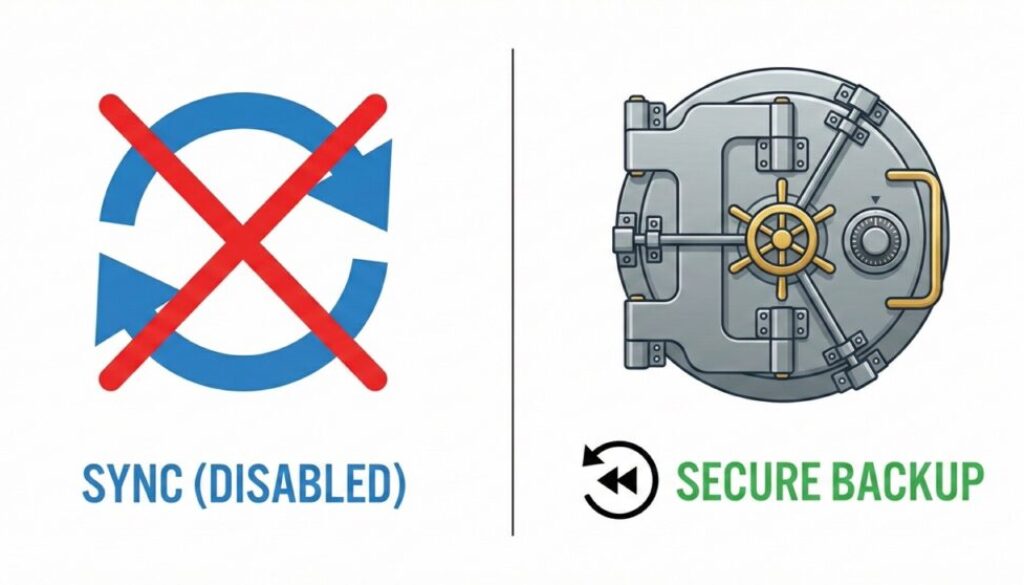
Services like Microsoft OneDrive, SharePoint, and Google Drive are Syncing tools. Their job is to make sure the file on your laptop is exactly the same as the file in the cloud.
The Problem with Sync
If a file is the same in both places, that includes mistakes.
- Accidental Deletion: If an employee accidentally deletes a critical project folder on their desktop, the sync tool immediately says, “Okay, let’s delete that from the cloud too.”
- Ransomware: If a virus infects your PC and encrypts your files, that corruption is synced to the cloud instantly. Your “backup” is now also encrypted.
- Malicious Insiders: If a disgruntled staff member decides to wipe their emails before leaving, those emails are gone from the server too.
The “Shared Responsibility” Model
Microsoft and Google operate on a “Shared Responsibility” model. They guarantee that their platform won’t break (uptime), but they explicitly state that your data is your responsibility. They do not provide long-term archives of deleted data as standard.
The Solution: Cloud-to-Cloud Backup
True backup breaks the sync. It takes a snapshot of your cloud data (emails, Teams chats, SharePoint files) and stores it in a completely separate, secure location—like our UK-based Tier IV data centers. If disaster strikes, you don’t just have a corrupted cloud file; you have a clean, historical version ready to restore in minutes.